My Papers Printing Workflow
by Rito Ghosh
Intro
I want to share and document my ideal settings and choices for printing research papers here. I mainly download and read papers from arXiv.
I read a lot of research papers, and I try to read papers printed on real paper, rather than screen - especially if it is something I am going to read in full, and expect to learn something significantly new.
I also print two pages, side-by-side on paper. It is how I prefer it. One page on one side of the sheet will add extra weight. It's nothing much for one paper, or even two, but it adds up.
So, this is how I see any paper on a sheet:
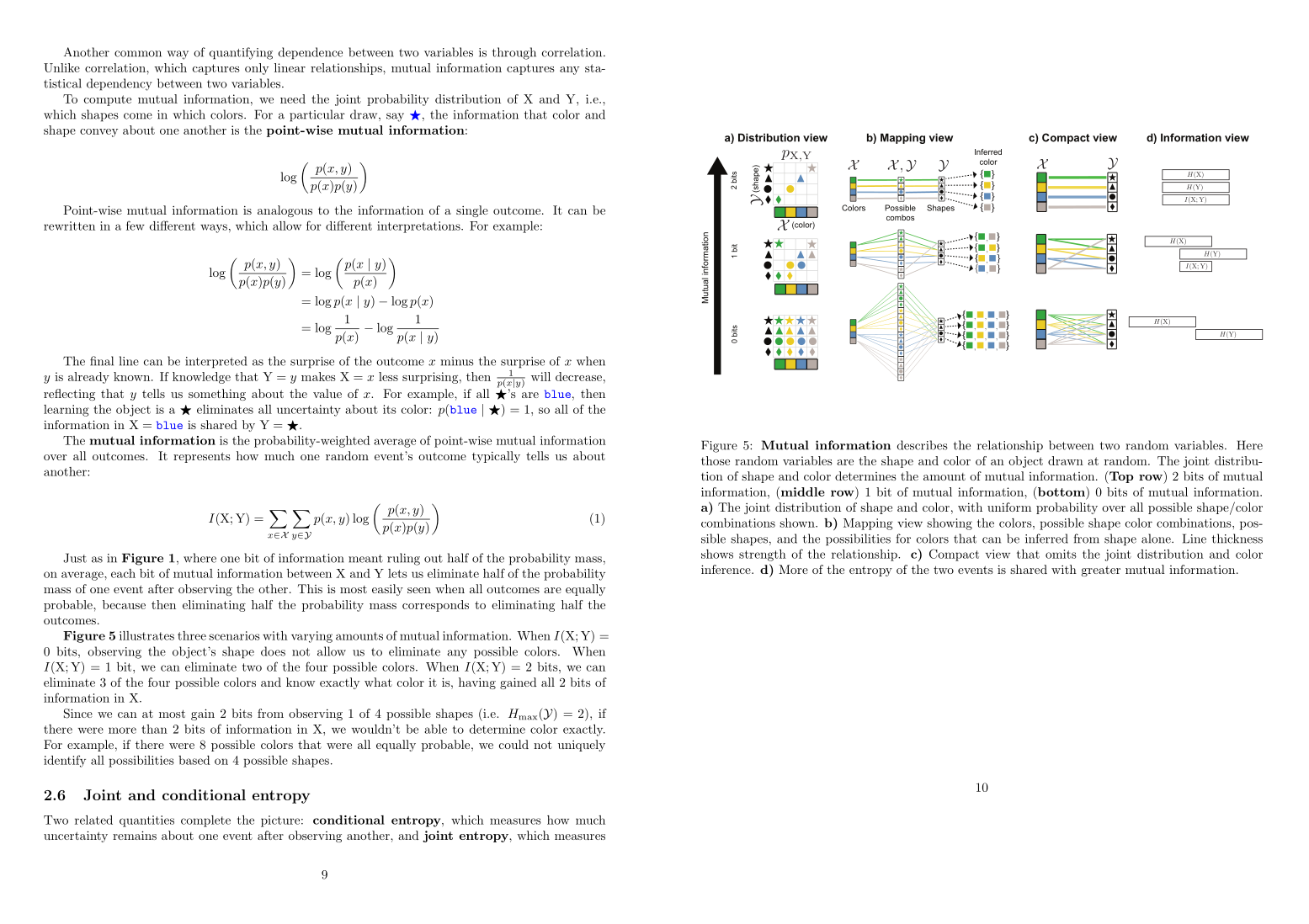
I wanted to figure out how to send commands from a terminal that does this, but never quite gotten around to it.
Previous Workflow
I would add some papers to my mental queue, and then log in to Windows to access the Adobe Acrobat GUI, and there I could access the workflow of printing two pages per sheet. I disliked that I had to login to Windows to just print a bunch of papers.
On top op that, this workflow wasted a lot of space, and made the text appear small. Smaller than I am comfortable with. And it wasted a lot of space in margins.
I wanted to solve this, but I knew I needed a good 40-50 minutes for this. Well, before AI anyway!
Updated Workflow
This is a Saturday, and I have finally had the time to ask Gemini about it. Gemini found the correct settings and suggested me tools tailored to my need. I printed my first paper this way, and it looks good. I am sharing it here.
Installing Tools
I am using Ubuntu, and I needed texlive-extra-utils to crop and merge pages. There are two tools pdfcrop and pdfjam that are parts of this package, and I needed those.
So, I installed it:
sudo apt install -y texlive-extra-utils
I was looking to print the paper: A visual introduction to information theory.
Cropping the Paper
So, I grabbed the PDF, and then as Gemini suggested, and a few tweaks and guiding, I reached this workflow:
First, I needed to crop the pages:
pdfcrop 2206.07867v3.pdf cropped.pdf
This crops all pages of the PDF file automatically by detecting the bounding box of the text and slice away all useless white space without changing the document structure.
Merging Pages
Once I had my cropped.pdf file, I used pdfjam to merge them:
pdfjam cropped.pdf --nup 2x1 --landscape --paper a4paper --outfile final_2up.pdf
The options to this command are pretty self-explanatory.
The PDF file looked good. And I tried other things to make the text even larger, but that had other unintended side effects like images being cut, letters missing from the margin, overlapping commands, etc.
EPUB files are easier to handle with tools like Calibre, and I have taken help from Gemini to print DRM-free EPUB books for maximum readability. For printing whole books, I use services, and don't print them on my home printer.
But PDFs are more stringent. So, I had to be happy to what I had. The printed pages had much better ergonomics than the default 2-page-per-sheet papers I got from Adobe's GUI in Windows.
Printing the Pages
Now, printing them: my printer doesn't have auto duplex features. So, I have to manually print odd and even pages. And rotate the pages in the correct way in between.
Trust me, doing the rotation is harder than slicing 3D NumPy arrays in the correct way, but I learned it over the first months of owning a printer.
lp -d printer -o media=A4 -o ColorModel=Color -o print-quality=5 -o page-set=odd final_2up.pd
lp -d printer -o media=A4 -o ColorModel=Color -o print-quality=5 -o page-set=even -o outputorder=reverse final_2up.pdf
printer is just an alias for my printer name.
Doing all this, I have my next paper ready to read!
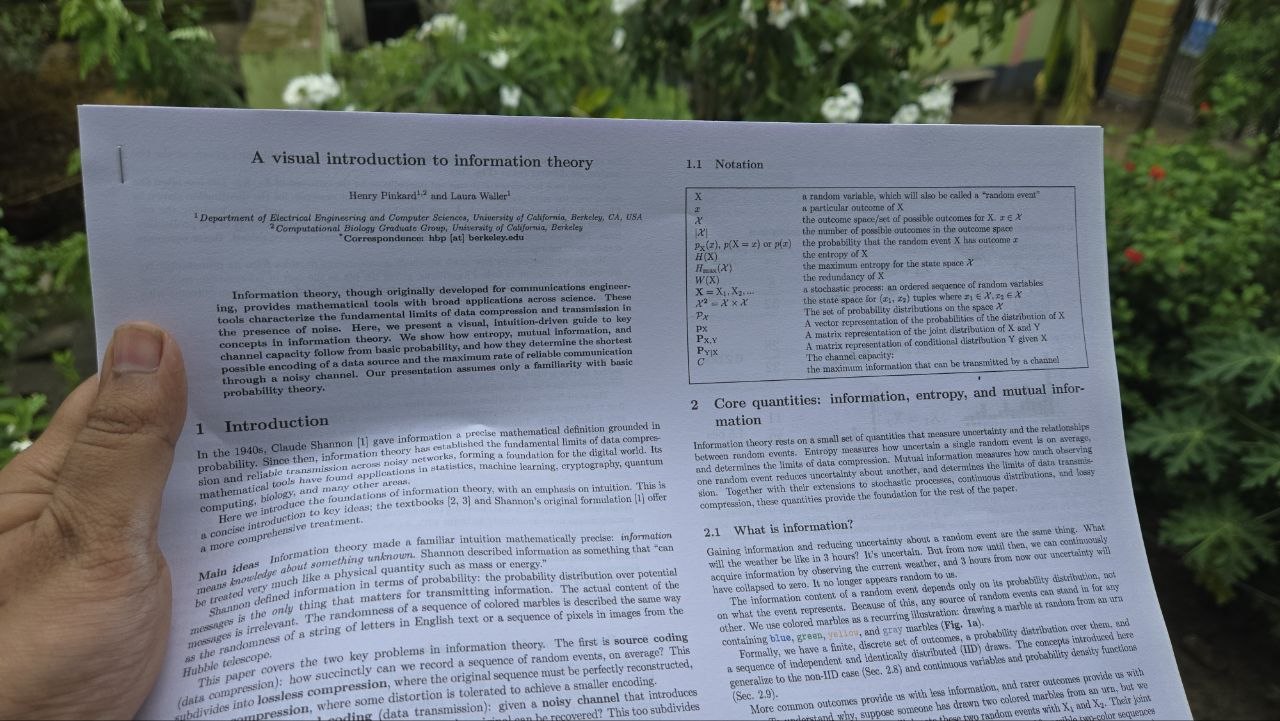
And I never had to leave my Linux terminal, use Windows, use any web services, or any GUI tool. From having the PDF to cropping, merging, and printing, all was done in a Linux terminal.
Conclusion
There are two conclusions I draw from all this:
- Gemini, and AI models in general are great tools to get help from in Linux machines. Linux terminals work with commands, and text commands are the exact domain LLMs are trained on. Linux is the ultimate hunting ground for LLMs - any UNIX-like systems in general.
- For the stuff you cannot allocate a time in your workday or weekends, as that is not that important enough, you can solve the problem in one-shot with LLM chatbots, like I did here. And it improved my quality of life meaningfully. I will look into more avenues where AI can one-shot a problem that I don't usually have enough time to solve.
Unlike the commands, the post is written fully by a human.